

A bill of materials (BOM) is a structured list of everything needed to build one finished product: raw materials, parts, sub-assemblies, and assemblies, each with a part number, a description, a quantity, and a unit of measure. What a bill of materials should include is more than those four items, though. A usable BOM also carries the BOM level, revision, procurement type, sourcing details, material specifications, reference designators, effective dates, and notes, so that engineering, purchasing, production, and quality all read the same document. If you are new to this, the term has nothing to do with legislation: in manufacturing it is also called a product structure, product recipe, parts list, or assembly component list.
The short version of the answer sits below. Read the list, then check it against the field table further down before you build your own.
Table of Contents
- What Is a Bill of Materials?
- What a Bill of Materials Should Include
- Essential BOM Fields at a Glance
- How Much BOM Detail Does Each Level Need?
- How Should BOM Revisions and Change Control Work?
- BOM Example for a Plastic Injection-Molded Part
- How to Create a BOM Without Common Errors
- Frequently Asked Questions
- Conclusion: Build One Authoritative BOM
What Is a Bill of Materials?
A bill of materials is a hierarchical record of a product’s components and the quantities of each one required per finished unit. It is read like a tree, with the finished product at the top and each level below breaking an item into its children.
That tree is what makes the document useful. Because quantities sit at every level, the system can multiply them down the structure to get the total quantity of any component, and roll those totals up into cost. A product with 4 brackets, each bracket holding 2 screws, needs 8 screws. Nobody counts screws on the floor.
It is also not a recipe for the shop floor, even though the synonym exists. A recipe tells a cook what to do; a BOM tells purchasing what to buy and planning what to build. Work instructions, routings, and drawings are separate documents that reference the BOM, not parts of it.
What a Bill of Materials Should Include
Ten fields cover the vast majority of what any team needs, in any industry:
- Part or item number for every line, unique and never reused.
- Part description that says what the item is and what it does.
- Quantity per assembly, stated per the parent level.
- Unit of measure for that quantity, such as each, kg, meter, or liter.
- BOM level or indentation showing where the item sits in the hierarchy.
- Revision identifier tied to the parent item and its drawing.
- Procurement type: make, buy, or phantom.
- Material specification such as grade, alloy, tolerance, or surface finish.
- Reference designators for electronics, or supplier and vendor part numbers for purchased items.
- Notes, effective date, and any approved alternate parts.
Two of those get skipped more than the rest. Unit of measure is the classic failure: a BOM that says “quantity 2” with no unit turns into 2 meters of resin or 2 pieces, and the ordering error surfaces weeks later. Revision is the second. A BOM with no revision control is a BOM that will be used after it is wrong.
What a Bill of Materials Should Include When It Goes to a Supplier
A distributor cannot quote a column of part numbers. When a BOM leaves the building for a quote request, it needs the manufacturer or supplier part number, a plain description, quantity, unit of measure, and the requested delivery date. Adding estimated unit cost and a supplier link per line is common practice among hardware teams, and it keeps costing close to current instead of rebuilding it by hand each quarter.
Essential BOM Fields at a Glance
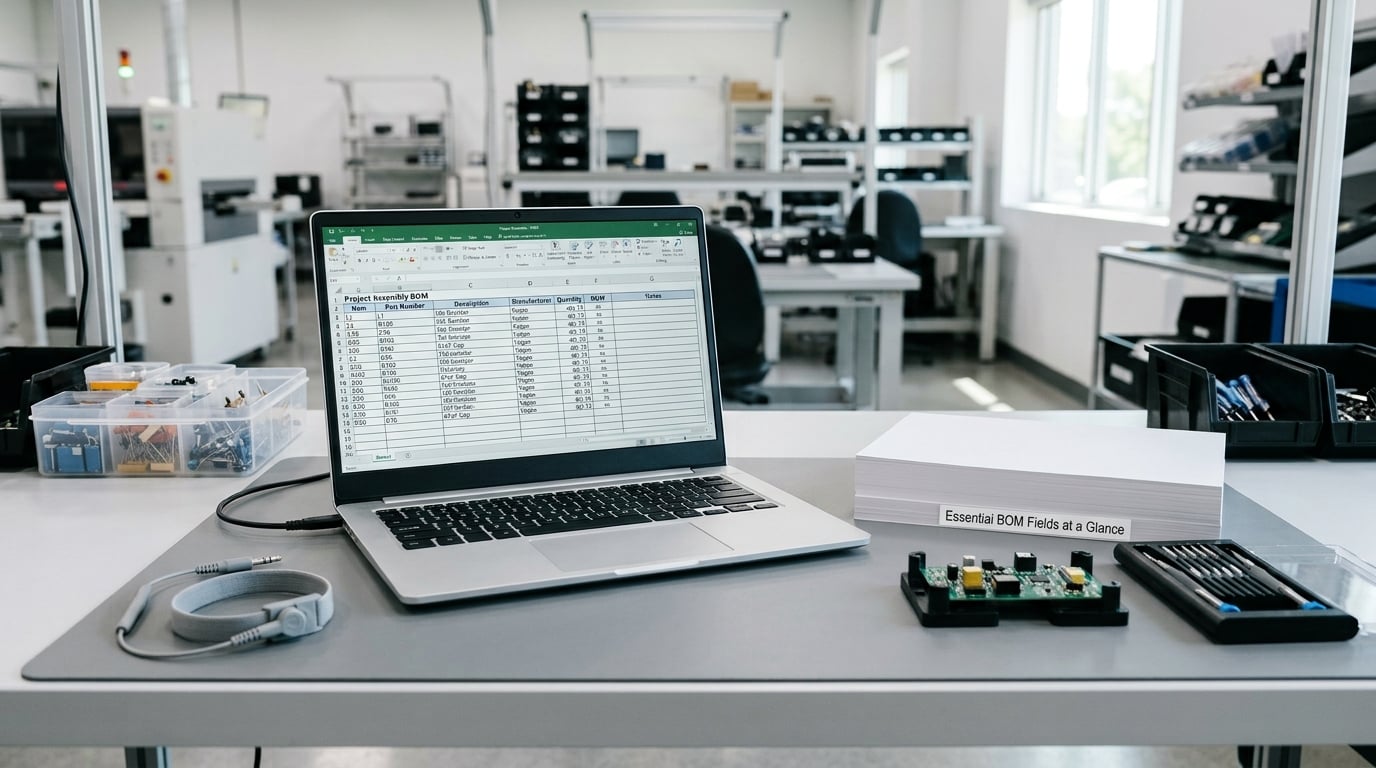
The table below separates what a BOM must carry from what is useful to add, and gives a realistic value for each.
| Field | Requirement | Example value | Why it matters |
|---|---|---|---|
| Part number | Required | HOUS-2201-ABS | Unique identity; links drawing, stock, and purchase orders |
| Description | Required | Injection-molded sensor housing, natural black | Humans and suppliers read this, not your part numbering scheme |
| Quantity per | Required | 1 | Drives the roll-up of every child quantity |
| Unit of measure | Required | each | Prevents ordering and receiving errors |
| BOM level | Required for multi-level | 2 | Shows hierarchy; level 0 is the finished product |
| Revision | Required | C | Identifies the released design state |
| Procurement type | Required | Make | Decides whether the item hits a work center or a purchase order |
| Material spec | Strongly recommended | ABS, UL94 V-0 | Quality and compliance cannot be checked without it |
| Reference designators | Electronics only | R14, C7, U2 | Maps board components to the schematic and PCB |
| Supplier and vendor part number | For bought items | Mfr PN 118-4422 | Removes supplier guessing when a description is ambiguous |
| Effective date | Recommended | 2026-04-01 | Separates current build data from archived history |
| Scrap or yield factor | Recommended | 4 percent | Real requirements are higher than nominal, especially for molded parts |
| Notes and alternates | Optional | Approved alternate: PN 118-4422-A | Keeps a substitution decision from becoming a field improvisation |
How Much BOM Detail Does Each Level Need?
Detail is not uniform across the life of a product, and that is fine. The engineering BOM describes what the design is made of, in design terms. The manufacturing BOM describes what the factory consumes, so it adds setup scrap, consumables, packaging, and phantoms that never exist as a stocked part. The service BOM lists only what a technician may replace under warranty.
Structure matters as much as content. A single-level BOM shows only one parent and its direct children, which is quick to read and useless for cost roll-ups on anything complex. A multi-level, indented BOM nests sub-assemblies under their parents, so the same screw appears once as a child of a bracket and again as a child of the product. Phantom assemblies are the common trick: a grouping that carries no inventory of its own but exists so its children can have a shared operation or a shared lead time.
Where-used is the reverse lookup. If a supplier discontinues a resin grade, where-used tells you every product and every level that consumes it before anyone places an order against a dead part.
One disambiguation, because the term is noisy online: a software bill of materials, usually written SBOM, is a different document listing software components, versions, and licenses rather than physical parts. Formats such as SPDX and CycloneDX are used for it. Manufacturing teams see both terms and need to keep them apart.
What Makes a BOM Accurate and Usable?
Naming and numbering come first. A part number should be short, unique, and meaningful enough that someone can guess it, and it should never be reused, even for a physically identical part. Descriptions follow one pattern across the company, so a search for “bracket” returns all brackets.
Then enforce the mechanical rules. Quantities are always per parent, never per top-level product, unless the field is named that way. Units of measure come from a controlled list, and mixing ounces with grams inside one file is how a batch goes wrong. Every line links to a drawing or specification. Effective dates are set. Notes are reserved for decisions a reader would otherwise have to guess at.
How Should BOM Revisions and Change Control Work?
Every BOM carries a revision identifier, and the parent item’s revision ties to its drawing. When a change ships, the revision advances and the previous state stays retrievable. A shop floor that pulled last year’s drawing should not be able to pull last year’s BOM by accident.
The workflow is usually an engineering change order. Someone raises it, engineering assesses impact, affected parts and levels are reviewed, the new revision is approved by the people who own cost and quality, and the effective date is set. Only then is the change pushed to purchasing and production. Retiring a revision means marking it obsolete, not deleting it.
Where Supplier, Cost, and Lead Time Columns Belong
Unit cost, supplier, and lead time are usually not on the released engineering BOM, because they change weekly and would force a revision for a purchase-order change. They live in a parallel costing view or a purchasing view of the same structure, linked by part number. The scrap factor, in contrast, belongs on the released BOM, since it changes the real quantity the plant consumes.
BOM Example for a Plastic Injection-Molded Part
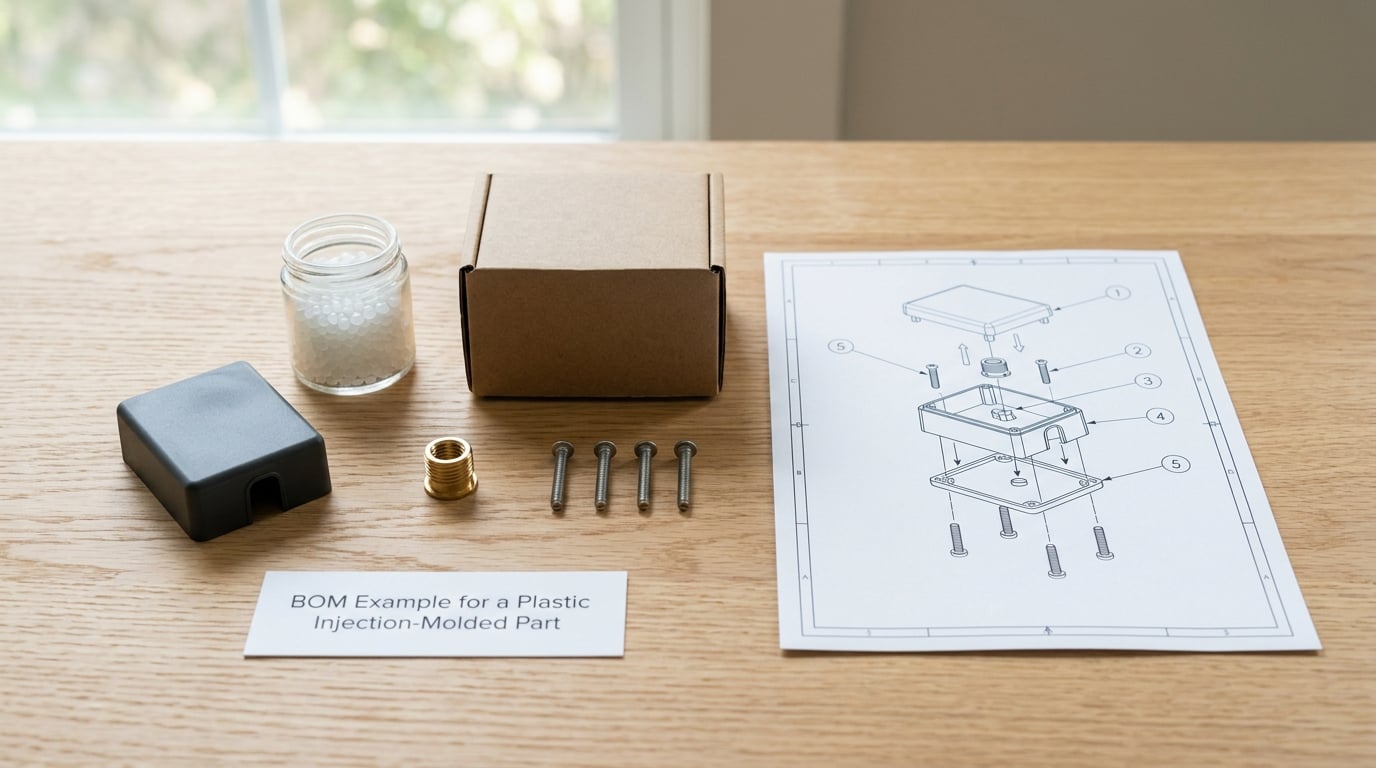
Here is a small, realistic multi-level BOM for a molded sensor housing, ASSY-4100, revision C. Level 0 is the finished assembly.
| Level | Part number | Description | Qty per | UOM | Type | Material spec |
|---|---|---|---|---|---|---|
| 0 | ASSY-4100 | Sensor housing assembly | 1 | each | Make | Assembly |
| 1 | HOUS-2201 | Housing, sensor, molded | 1 | each | Make | ABS, UL94 V-0, natural black |
| 1 | INS-1180 | Threaded insert, brass | 4 | each | Buy | Brass M4, length 6.0 mm |
| 1 | FST-3320 | Screw, pan head, M4 x 8 | 4 | each | Buy | Stainless steel A2 |
| 1 | PKG-0090 | Bag, antistatic, 100 mm x 150 mm | 1 | each | Buy | Polyethylene, 80 micron |
| 1 | PHM-5001 | Phantom: molding operation | 1 | each | Phantom | Carrier for cycle time and setup |
| 2 | RES-3301 | Resin pellets, ABS | 0.048 | kg | Buy | UL94 V-0, natural |
| 2 | MLD-7700 | Mold, two-cavity, tool life 250000 shots | 1 | each | Make | P20 steel, 0.0005 mm finish |
How the Quantities Roll Up
Not every line scales with the order. The mold is tooling: one two-cavity tool is amortized across the run, so it stays at 1 on the BOM whether the order is 100 units or 10,000, while the insert, screw, and bag lines multiply straight through. The resin line is the number people get wrong. Nominal part weight is 42 grams, so 0.042 kg per unit. With a 4 percent scrap allowance on molding, one order of 1000 units consumes 43.7 kg of resin, not 42. Multiply that further if each housing is itself a child of a larger product at level 3, and the file does the rest of the arithmetic on its own.
Note what is not in that table: cavity number, hold pressure, cycle time, or machine settings. Those live in the routing. A BOM that absorbs process parameters stops being a parts list and starts becoming a document nobody can keep current.
How to Create a BOM Without Common Errors
Most BOM problems are not exotic. They are duplicates, unit mistakes, and stale rows, and a short review pass catches them before they reach a purchase order.
- Check every quantity and unit of measure against the drawing, and calculate the roll-up by hand for one order as a sanity test.
- Search for duplicate part numbers and near-duplicate descriptions, which are usually the same part entered twice under different names.
- Keep requirements out of instructions. A BOM states what is needed; the routing states the order of operations.
- Verify every line links to a current drawing or specification, and that the linked drawing revision matches the BOM revision.
- Confirm obsolete lines are marked and removed from the active revision, not left sitting in the file.
- Include scrap and yield factors where the process produces them, so purchasing orders real consumption rather than theoretical weight.
- Get sign-off from engineering, purchasing, production, and quality before release, since each one finds a different class of error.
One habit pays for itself. Send the released BOM to a purchasing colleague who has never seen the product and ask them to order one unit from it without asking a question. Every hesitation is a missing field, and you have just found it before a customer did.
Frequently Asked Questions
What format should a bill of materials use?
A plain spreadsheet or CSV is fine for small products: one row per line item with columns for level, part number, description, quantity, unit of measure, revision, and procurement type. Once parts reach a few hundred or revisions start changing, move the master into a PLM or ERP system and treat the spreadsheet as an export. The deciding factor is not file size but control, since a spreadsheet cannot enforce a unique part number or stop two people editing the same revision.
Who should own and approve a bill of materials?
Engineering creates and owns the structure, because the BOM reflects the design. Purchasing approves the sourcing fields, production approves quantities and scrap allowances, and quality approves material specifications. Release authority sits with a named engineering change board or configuration manager, not with whoever last edited the file. A BOM with no named owner drifts within weeks.
Should a BOM include manufacturing instructions?
No. A bill of materials states what the product is made of and in what quantity. Instructions such as operation sequence, cycle times, machine settings, and work centers belong in the routing or work instructions, which reference the BOM by part number and revision. Mixing them makes both documents harder to maintain and means a process tweak forces an engineering change on the parts list.
How are BOMs handled in an ERP or manufacturing system?
The BOM is imported as structured lines: level, part number, quantity, unit of measure, and effective date, with each part number already existing as an item master record. The system uses the structure to explode demand, generate purchase orders and work orders, and calculate cost roll-ups. Import files break most often on inconsistent units of measure and on part numbers that were renamed rather than newly created.
How should a BOM represent product variants and optional features?
Keep one controlled parent item per variant where the differences are structural, so each has its own released BOM, and represent shared components once in a common parent. For options that bolt on without changing the core, use an option group or alternate part flagged in the BOM rather than separate top-level assemblies. The goal is that a variant change updates one place, not every line item of every configuration.
Conclusion: Build One Authoritative BOM
A bill of materials earns its keep when every function reads the same controlled document: part number, description, quantity, unit of measure, BOM level, revision, procurement type, material specification, sourcing details, and notes. Add the level structure, the effective dates, and the obsolete control, and costing, purchasing, planning, and quality all stop guessing.
Start in four moves. Decide which level the document is, engineering, manufacturing, or service, because that decides the detail. Assign controlled part numbers that are never reused. Enter quantities per parent with an explicit unit of measure and a scrap factor where the process produces one. Then name a revision owner and a change-approval path before anything ships, since a BOM without a change process goes stale faster than anything else in production. The field table above is the checklist to review against before each release.