
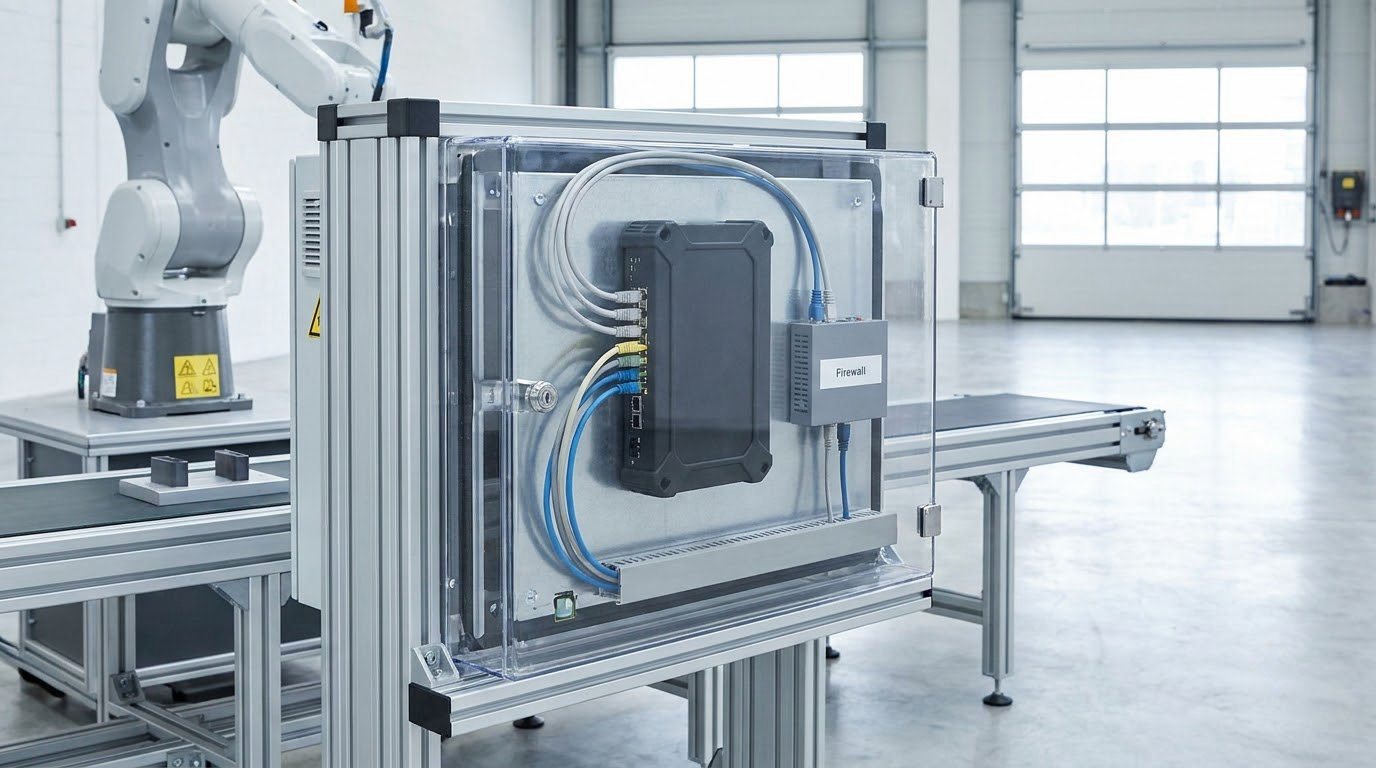
Cybersecurity basics for manufacturing networks start with one idea: the systems running your factory deserve the same protection as your laptops, and they are attacked far more often. Recent SonicWall data puts manufacturing at the highest industrial control attack rate of any industry, with more than 43 million camera attacks counted in the period the vendor measured.
That is the whole argument, and it is not a new one. What’s new is how much of a factory is now connected: quality data pulled into ERP, vendor laptops plugged into a cell for maintenance, cameras sharing a switch with a robot controller.
This guide is written for the person who just inherited responsibility for a plant network. It covers what to protect, the core controls that actually reduce risk, the standards that apply, and a realistic order to do things in.
Reviewed and updated October 2026. No vendor products are recommended anywhere in this guide.
Table of Contents
- What Is Cybersecurity for Manufacturing Networks?
- What Are the Main Cybersecurity Risks?
- How Do You Secure a Manufacturing Network?
- What Is the IT and OT Security Boundary?
- What Should Small Manufacturers Prioritize First?
- How Does Network Segmentation Reduce Manufacturing Risk?
- How Do You Control Access Without Shutting Down Production?
- What Cybersecurity Standards Apply to Manufacturers?
- How Should Manufacturers Prepare for a Cyber Incident?
- Cybersecurity Basics for Manufacturing Networks: Quick Checklist
- Frequently Asked Questions
- Is cybersecurity different for operational technology than for business IT?
- What is the safest first step for a small manufacturing plant with limited IT staff?
- Can older production equipment be protected if it cannot be patched?
- How should a manufacturer manage remote access for vendors and contractors?
- What should happen immediately after ransomware reaches a manufacturing network?
- Conclusion
What Is Cybersecurity for Manufacturing Networks?
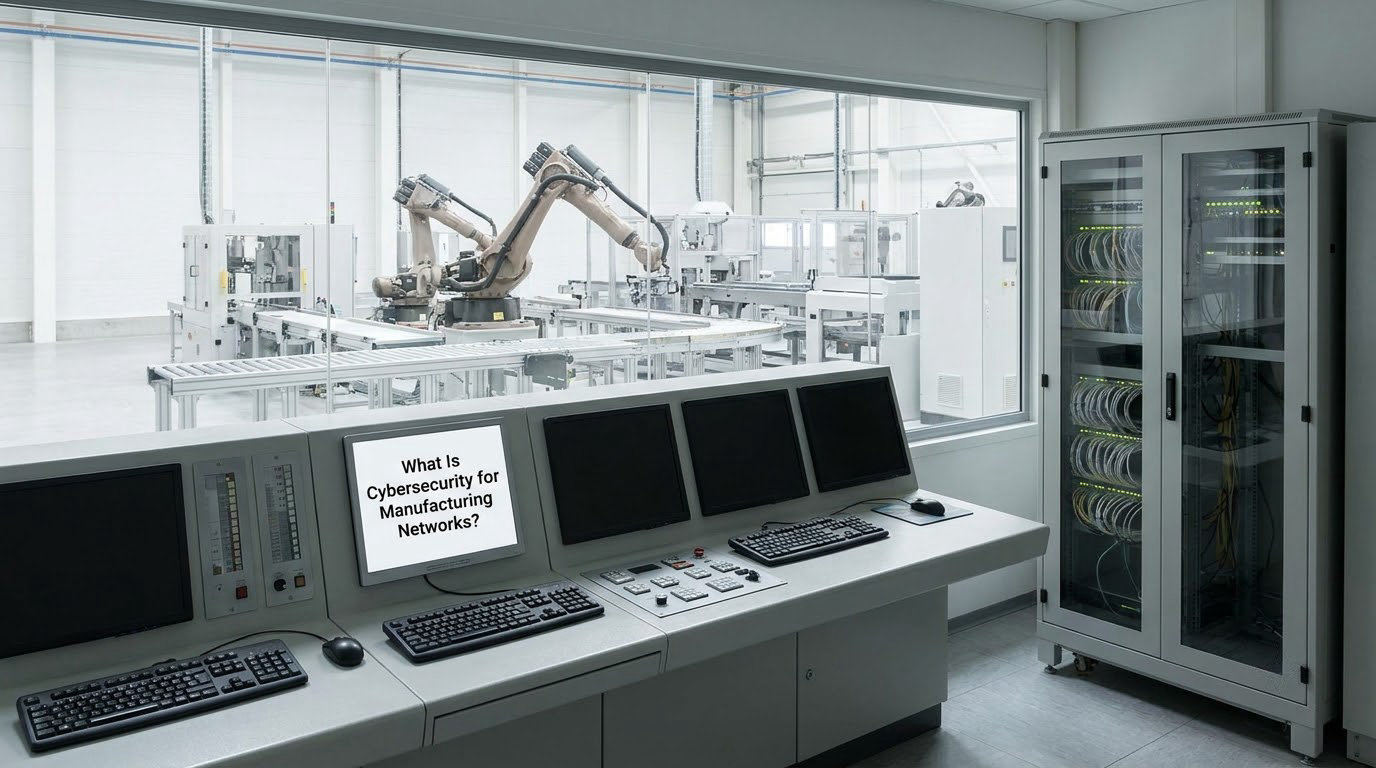
Cybersecurity for manufacturing networks means protecting the industrial control systems, machines, and operational technology (OT) that run a factory’s physical processes from unauthorized access, disruption, and manipulation, while keeping production running safely and reliably.
Put simply, it is office security applied to equipment that moves things. A spreadsheet breach is embarrassing. A compromised programmable logic controller can stop a line, scrap a shift of product, or drive a motor into a state a guard was never designed to catch.
Operational technology is the wider category. It includes the PLCs running your presses, the human-machine interfaces (HMIs) operators touch, the SCADA servers drawing the plant overview, the robot controllers, the barcode and inventory systems, the variable frequency drives, and the safety systems that stand between a bad command and a worker.
Industrial control systems (ICS) is the umbrella term for OT networks and the software that runs them. Most plants today run some mix of ICS, and that mix is where the risk sits.
What Are the Main Cybersecurity Risks?
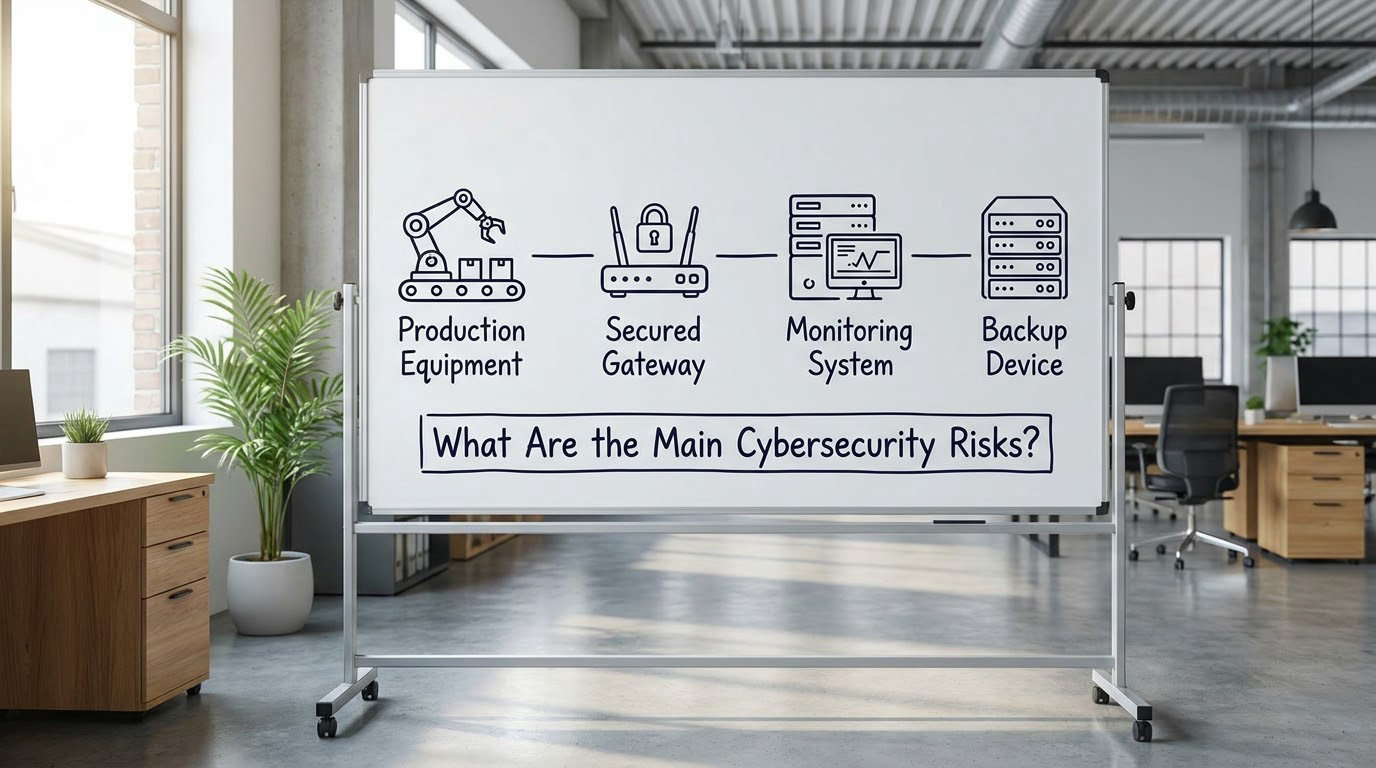
Ransomware is the first one, and it is not hypothetical. A contractor’s laptop, an infected USB stick in a maintenance bay, or a phished email to a supervisor is usually enough to reach a flat network.
Uncontrolled remote access sits right behind it. Vendor support is genuinely useful, but a shared password for a remote connection to a cell is a single point of failure that nobody owns.
Legacy protocols are the quiet problem. Industrial control systems, robotics, and inventory systems often depend on protocols designed decades ago with no authentication, running on firmware that vendors stopped updating years back. Nothing on that equipment can tell the difference between a genuine command and a well-formed fake one.
Then there is supply chain exposure. Your tier-N supplier, the original equipment manufacturer, or the integrator who commissioned the line all hold paths into your network, and most of those paths are outside your control.
Phishing and insider risk behave the way they do everywhere else. The part that is specific to manufacturing is the consequence: an attack that reaches the process layer stops production, feeds a supply chain, and can put people in the way of physical motion.
How Do You Secure a Manufacturing Network?
Eight controls cover most of the ground. The order matters more than the list, because several of them only work once the first one is done.
- Build an asset inventory. You cannot segment, patch, or monitor equipment you have not discovered. Passive network discovery finds devices without touching them.
- Segment the network. Split production cells, engineering workstations, safety systems, and corporate email into zones with controlled paths between them.
- Control access. Unique accounts per person, multi-factor authentication, and least privilege for every vendor and contractor session.
- Patch safely. Test on a non-production line, patch during planned downtime, and write down what you have decided to never patch.
- Monitor the network. Baseline normal traffic, then alert on deviations. In OT, an unusual protocol or a new device is worth a look.
- Protect and test backups. Back up PLC logic, HMI projects, SCADA configurations, and historian data. Restore-test them on a schedule.
- Manage third-party risk. Written rules for vendor access, time limits on it, and a way to kill it in one action.
- Write an incident response plan. Include who calls the plant manager, who calls legal, and who has authority to stop production.
The list looks long. In practice the first three produce most of the risk reduction, and the rest compound it.
What Is the IT and OT Security Boundary?
The IT and OT security boundary is the line where business systems stop and the physical process begins. On one side sit email, file shares, ERP, and the finance system. On the other sit the controllers, drives, sensors, and safety systems. Crossing that line is what turns a data problem into a production problem.
| Category | IT systems | OT and ICS |
|---|---|---|
| Primary priority | Confidentiality of data | Availability and safety of the process |
| Typical uptime tolerance | Minutes of outage noticed | Unplanned downtime measured in money per hour |
| Patching window | Any time, routine reboots | Planned outage only, sometimes never |
| Protocols | Modern, authenticated, encrypted | Legacy protocols with little or no authentication |
| Typical control | Endpoint protection, email filtering | Segmentation, allowlisting, monitoring |
IT/OT convergence is what blurs that boundary. Someone installs a data historian that queries PLCs directly from a corporate server, and now an internet-facing laptop sits two hops from a press.
The standard fix is a demilitarized zone (DMZ): a buffer where the two worlds exchange data through a middle server, with no direct path through. Data syncs one way, on a schedule, through something that can be inspected and taken offline without stopping the line.
What Should Small Manufacturers Prioritize First?
With a small team and a finite budget, sequence matters. A plant running a fifteen-year-old saw and one IT generalist will not get more protection by buying a monitoring platform first.
A budget-conscious plan for cybersecurity basics for manufacturing networks
Start by knowing what you have. Passive discovery and a spreadsheet of every controller, HMI, and switch will take days, and every later decision depends on it.
Second, close the paths that are open to the internet. Vendor remote access, shared VPN credentials, and personal devices on the plant network come before any technical investment.
Third, turn on multi-factor authentication for email. That single step removes the cheapest route into most attacks.
Fourth, back up control logic and test a restore. A backup you have never restored is a guess, and PLC project files are cheap to protect.
Fifth, segment one thing. Putting production cells on their own subnet, separated from everything else, delivers more than another point product would.
Sixth, write the response plan. One page, with names and phone numbers, is enough to start.
Everything else, including continuous monitoring and formal frameworks, comes after the plant is safe from the obvious paths.
How Does Network Segmentation Reduce Manufacturing Risk?
Network segmentation reduces risk by limiting how far a compromised device can travel. On a flat network, one infected laptop can reach every controller on the floor. On a segmented network, it reaches one cell, one cabinet, one approved service, and the monitoring team finds out quickly. For most plants working through cybersecurity basics for manufacturing networks, that single change delivers more than any other control on the list.
ISA/IEC 62443 describes this as zones and conduits. Zones group equipment that shares the same security requirements. Conduits are the controlled paths between zones, and each one has a defined set of permitted flows.
In practice, a plant ends up with a set of zones that looks something like this:
- Level 0-1 zone: sensors, actuators, drives, and field devices.
- Level 2 zone: PLCs, HMIs, and local cell controllers.
- Level 3 zone: SCADA servers, historians, engineering workstations.
- Level 4-5 zone: ERP, email, internet-facing services, with a DMZ in between.
The real flows are narrower than the zones. A SCADA server needs to read from a PLC. A PLC should never reach the internet. An engineering workstation should be able to reach the cell it maintains and nothing else. When you write those rules down, the design gets testable.
Legacy equipment constrains this more than anything else. Old controllers may not support modern authentication, may not handle inspection of traffic, or may simply not be visible to monitoring tools. The usual answer is compensating controls: put a firewall or gateway with specific allow rules in front of the cell, restrict it to the exact ports the device uses, and accept that you are buying a thin wall rather than a secure one.
That is an honest trade. Segmentation based on a good inventory gets you most of the benefit, and it does not require replacing a working press.
How Do You Control Access Without Shutting Down Production?
Access control is where most plants are weakest, and the fear of downtime keeps it that way. The goal is to let people do their jobs and stop everyone else, without touching the process.
Replace shared credentials first. Every operator, engineer, and vendor should have an individual account, because shared logins give you no attribution and revoke instantly when someone leaves or a contract ends.
Require multi-factor authentication for anything that reaches a cell remotely. Session credentials on a jump host with time limits beat a permanent VPN profile on a laptop that lives in a car.
Give engineers the access their role needs and nothing more. Someone who programs presses does not need historian admin. Role-based access control makes this a configuration job rather than a negotiation with each person.
Treat vendor sessions as temporary by default. Time-boxed, logged, and reviewed. If a maintenance laptop has to be physically present and plugged in through a monitored port, the risk falls sharply.
None of this stops production on its own. It changes who is connected and when, and it means one stolen password no longer equals one full network.
What Cybersecurity Standards Apply to Manufacturers?
Four frameworks matter for manufacturers, and none of them requires certification to be useful. Applicability depends on your industry, your customers, and your contracts, so check what your supply chain actually demands before committing to a certification program.
NIST Cybersecurity Framework is the broadest and most accessible. It organizes work into six functions: Govern, Identify, Protect, Detect, Respond, and Recover. NISTIR 8183A, published in 2017, adapts that framework to low-impact manufacturing and is the most sensible starting document for a US plant.
NIST SP 800-82 covers security for industrial control systems specifically, including the safety and availability considerations that general IT guidance skips.
ISA/IEC 62443 is the international standard written for industrial automation. Its security levels run from SL 1, where a documented approach is enough, to SL 4, where the system is engineered to withstand deliberate attack. It is the reference most integrators and OEMs speak.
CIS Controls version 8 is a prioritized, plain-language checklist of what to do first, and the first dozen map cleanly onto the control list above.
ISO/IEC 27001 matters when customers or audits demand a certified information security management system. For most plants, ISA/IEC 62443 is the more directly relevant credential.
How Should Manufacturers Prepare for a Cyber Incident?
Assume the day arrives and decide in advance who does what. The first hour is the worst hour to be inventing a procedure.
Protect people first. If a system that could move machinery is affected, operations and safety take priority over data, and only authorized operators should make physical interventions.
Contain without destroying evidence. Isolate the affected segment, not the whole plant. Photograph what you can before powering anything down, and resist the urge to reimage a controller before you know what it contained.
Call the named people. Your internal contact, your integrator, your legal team, your insurer, and law enforcement, in that order if needed, with numbers written down in advance.
Then recover deliberately, from known-good backups and configurations, and document what you changed and why. Review the plan afterward, while details are still clear.
Cybersecurity Basics for Manufacturing Networks: Quick Checklist
- Every controller, HMI, drive, and server is listed in an asset inventory.
- Production, engineering, and safety systems sit in separate zones with documented flows.
- A DMZ or similar buffer stands between corporate systems and the plant floor.
- No shared accounts on the plant network; every person has a unique login.
- Multi-factor authentication is on email and any remote access path.
- Vendor remote access is time-limited, logged, and revocable in one step.
- PLC projects, HMI software, and SCADA configurations are backed up and restore-tested.
- Legacy equipment that will never be patched is listed, with a compensating control for each.
- USB ports and removable media on control equipment are controlled or blocked.
- A one-page incident response plan exists with names and phone numbers.
Frequently Asked Questions
Is cybersecurity different for operational technology than for business IT?
Yes, and the difference shows up in priorities. Business IT generally protects confidentiality first, so a laptop can be patched at any time and a brief outage is tolerated. Operational technology protects availability and process safety first, because a controller that stops mid-cycle can scrap product, delay a shipment, or put a worker at risk. That is why OT patching happens during planned downtime, why segmentation and monitoring matter more than endpoint software there, and why availability over confidentiality is the standard framing.
What is the safest first step for a small manufacturing plant with limited IT staff?
Discover what is on your network before changing anything. Run passive network discovery, then record every PLC, human-machine interface, drive, and switch with its location, owner, and firmware version. Nothing else can be sequenced sensibly without that list, and passive discovery does not interrupt production. It usually takes days, costs little, and turns every later decision from guesswork into planning.
Can older production equipment be protected if it cannot be patched?
Yes, and most plants run a mix of patched and unpatchable equipment for years. Segment the old equipment onto its own network segment behind a firewall or gateway, then allow only the specific connections the process needs. Disable unused services, control removable media, and monitor traffic from that segment for anything unfamiliar. You are not eliminating the risk, you are shrinking the surface and shortening how far an attacker can travel.
How should a manufacturer manage remote access for vendors and contractors?
Give vendors individual, named accounts rather than shared credentials, require multi-factor authentication, and route sessions through a monitored jump host rather than directly to a controller. Time-box each session so access expires automatically, log what was done, and keep a single way to revoke everything quickly. Write the rules down and get support signed off, because most vendor accounts exist as a convenience rather than a decision.
What should happen immediately after ransomware reaches a manufacturing network?
Protect people and process before data. Confirm whether any system that drives machinery is affected and let operations and safety lead those decisions. Isolate the affected segment rather than the whole plant, and capture logs and images of affected devices before reimaging anything, because they are your only record of how the attack moved. Then call the contacts written in your incident plan and recover from known-good backups rather than by improvisation.
Conclusion
Start where the leverage is. List every piece of equipment on the plant network and draw how it connects. Then close the remote access paths, turn on multi-factor authentication, and confirm that your PLC and HMI backups actually restore.
That is cybersecurity basics for manufacturing networks in practice: nothing exotic, and a very short list of things that are genuinely hard. Write down who owns each one, put the incident plan on a single page, and review the whole thing on a schedule. It is what separates a plant that recovers in hours from one that explains the outage to its customers.