
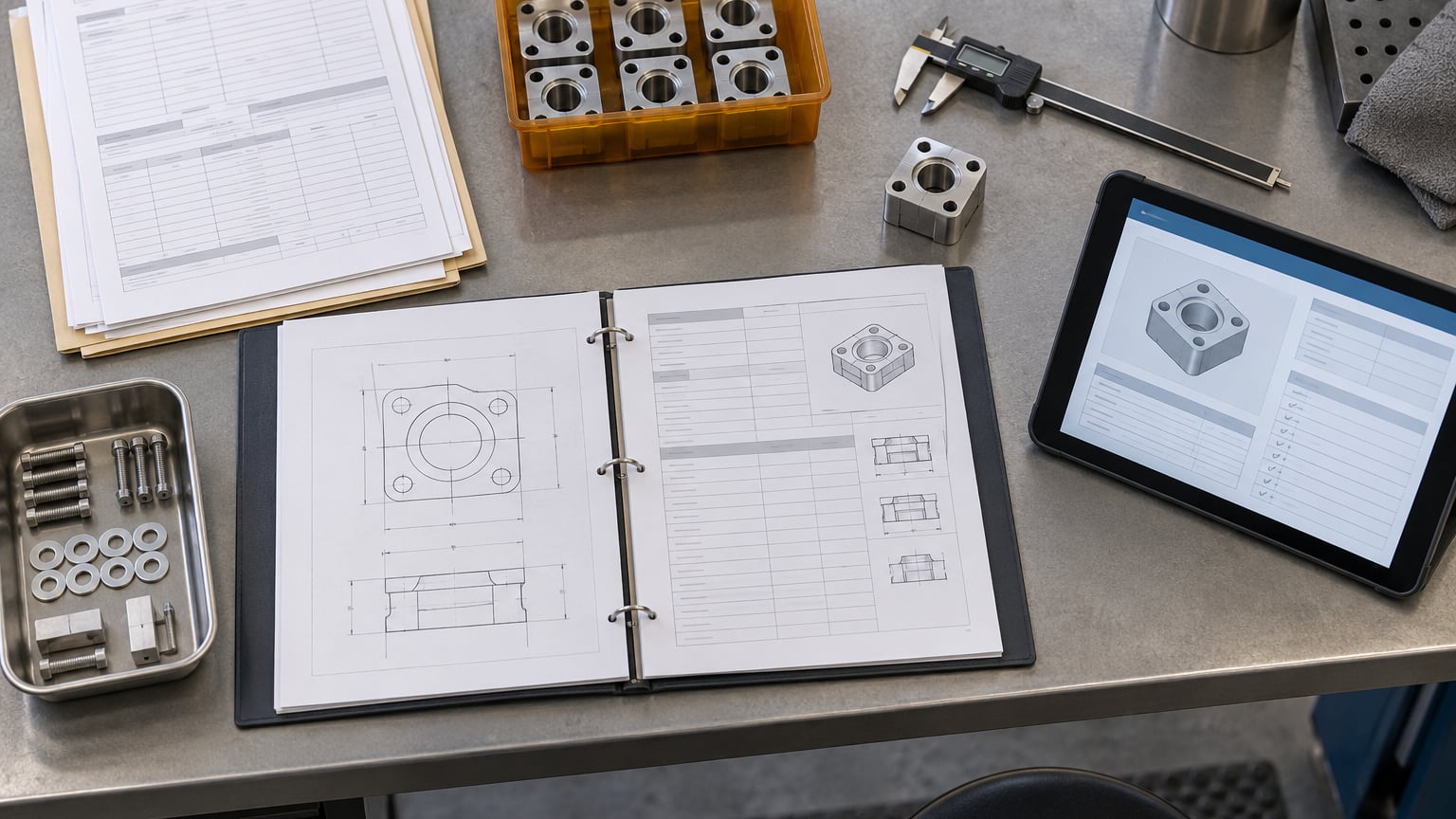
A work order is the authorized record that tells a shop floor what to build, how to build it, and what it needs to build it. The work order process in manufacturing runs from the moment a demand signal becomes a build commitment to the moment the job is verified, costed, and closed: seven stages, each with an owner, a document, and a status change.
I have watched this go wrong in both directions. A plant with no real work order process runs on verbal instructions and a whiteboard, and nobody can answer where a job is at four o’clock. A plant with a badly designed one drowns in approvals and paperwork that slows the floor down without improving anything. The difference is standardization, not software.
Table of Contents
- What Is a Work Order in Manufacturing?
- Why the Work Order Process in Manufacturing Matters
- The Work Order Process in Manufacturing: Step by Step
- 7. Complete, Reconcile, and Close the Work Order
- What Information Should a Manufacturing Work Order Include?
- Work Order vs. Routing Sheet, Traveler, and Purchase Order
- Common Work Order Process Mistakes
- How to Choose or Implement a Work Order System
- Frequently Asked Questions
- Conclusion: Start With a Standardized Workflow
What Is a Work Order in Manufacturing?
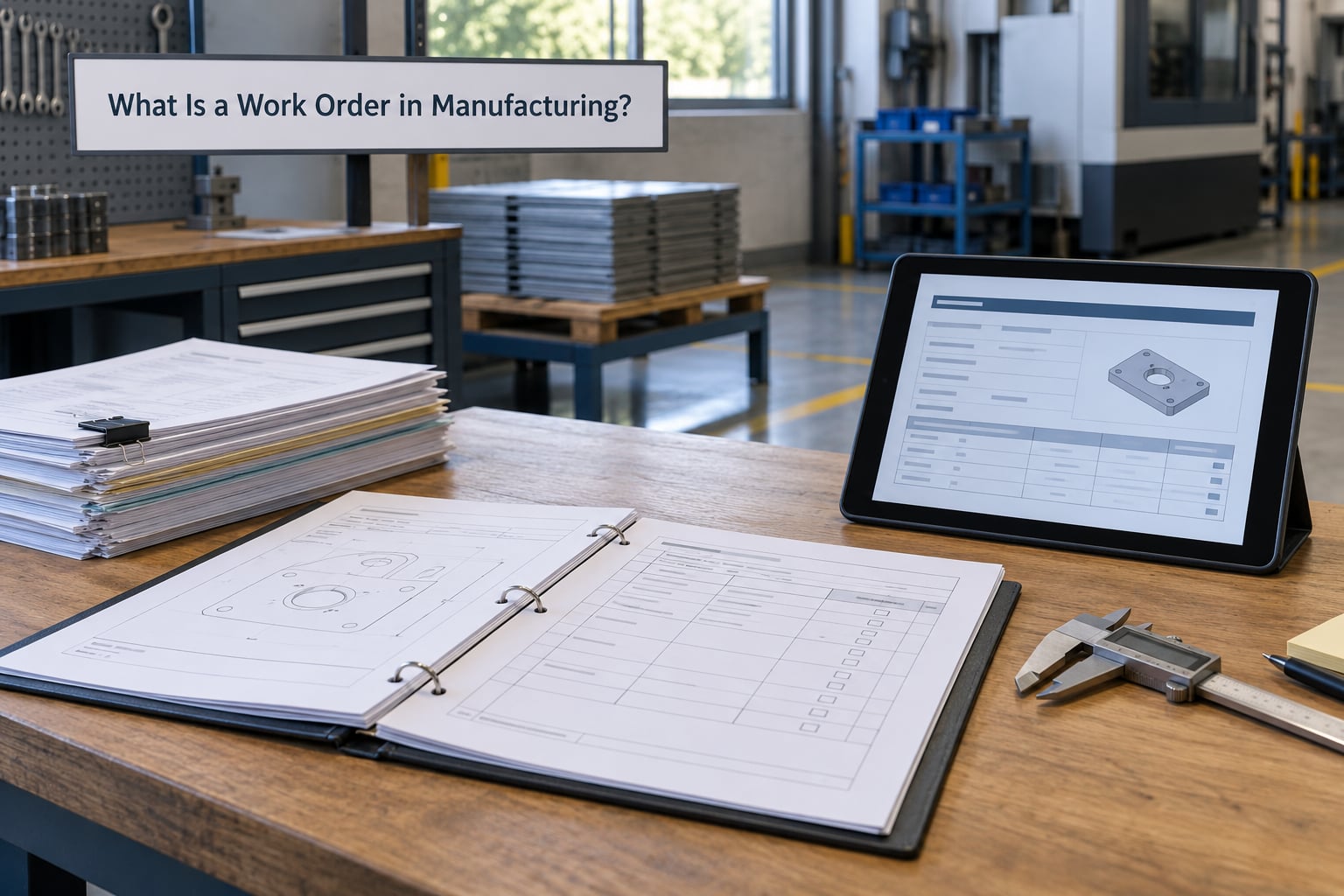
A work order in manufacturing is the authorized document that tells workers what to produce and how to produce it, carrying the bill of materials, routing, work center, labor and machine time, material requirements, quality checks, and approval sign-off. It is the traveler that moves with the job from planning to shipping.
Three things get confused with it constantly. A purchase order tells purchasing to buy something from a supplier. A routing says which operations the part goes through and in what order. A work order says the part is committed, released, and moving now.
Consider a stainless bracket a customer ordered. The sales order is the demand. The purchasing department raises a purchase order for the raw bar stock. Engineering releases the drawing at revision C and the routing with four operations. The planner creates work order 4471, which carries the bill of materials, the four operations, the work centers, and the delivery promise. 4471 is the document the operator holds.
Shop floors call the same thing by several names: traveler, job ticket, work packet, production order, or manufacturing order. The names differ by ERP, not by meaning.
Why the Work Order Process in Manufacturing Matters
A controlled process turns an intention into a record. Without one, material gets issued against a guess, labor hours land on the wrong job, and traceability stops at the shipping dock.
The practical gains are specific. Material accountability improves because quantities issued are pegged to a work order rather than to a bin. Schedule adherence becomes measurable because every job carries a planned start and completion date you can compare against reality. Quality records hold together because the inspection result, the lot number, and the operator sign-off sit on the same document.
Cost accuracy follows from the same place. Actual labor and machine time booked to a work order give you a real cost per part instead of a standard cost that drifts out of date within a quarter.
The cost of not having this is measurable too. Atlassian research has put the time knowledge workers spend searching for information at more than a quarter of the working week, and ABB survey work has estimated the cost of unplanned downtime for a large industrial site at a figure high enough to make process reliability a board-level topic, not a shop-floor detail. Most of that cost traces back to information that existed somewhere but never reached the person who needed it.
The Work Order Process in Manufacturing: Step by Step
Here is the sequence most discrete plants run, whether it lives in an ERP, a spreadsheet, or a paper traveler on a clipboard. Adapt the roles to your shop, keep the order, and the process will hold.
1. Review Customer Demand and Production Requirements
The planner confirms what is actually being asked for: part number, quantity, specification, due date, drawing revision, quality requirements, and any customer-specific instructions. The output of this stage is a clean internal demand record with no ambiguity left for the floor to interpret.
If a customer drawing arrives without a revision number, stop there. A missing revision is the single most common cause of scrapped material later in the process.
2. Create and Approve the Work Order
The planner creates the work order, assigns the number, and captures the product, quantity, due date, routing, bill of materials, work centers, and estimated labor and machine time. Engineering, purchasing, or production signs off where the process requires it.
Numbering is worth a decision early. A scheme that encodes year, product family, and sequence makes jobs sortable at a glance; a running serial is simpler and just as defensible for a small shop.
3. Check Materials, Tools, Capacity, and Labor
Before release, the production team verifies that raw materials and components are on hand or committed, that tooling and equipment are available, that documentation is attached, and that trained labor is scheduled for the operation.
Where a job needs several parts, kitting the materials to the work center in one move usually beats having the operator make five trips to the storeroom. When material is short, the planner has four honest options: backorder, substitute with engineering approval, split the work order, or hold it. Leaving it ambiguous is the fifth option, and it is the expensive one.
4. Release and Schedule the Work Order
The supervisor sequences the job against other open work and assigns scheduled dates. Setup time, batch size, machine capacity, and the due date all move the position of a job in the queue, which is why a rigid schedule printed on Monday morning is usually fiction by Tuesday afternoon.
Multi-level builds need one more rule stated out loud: a work order should not appear at a work center until its predecessor operation is finished. Otherwise operators start a job on half-finished material and discover the problem an hour in. Shrinking setup and changeover time is how you win back the slack that sequencing alone cannot. Setup reduction, SMED explained covers that in more detail.
5. Set Up the Production Line and Record Operations
The operator confirms the current drawing revision, sets up the machine and tooling, verifies the first piece against the drawing, and then records quantities, labor hours, and machine time as the job runs. Process conditions and any deviation from the standard get written down at the time, not reconstructed at the end of the week.
6. Inspect Quality and Handle Exceptions
Quality checks happen at the points the routing defines, which may include a first article inspection on the first unit and in-process checks at set intervals. Nonconforming material goes on hold with a documented reason, and rework needs explicit authorization from someone named in the process.
When output does not meet requirements, the decision is rarely just scrap or run again. It is sort, rework, use-as-is with a documented concession, or return to engineering. Handling nonconforming material in manufacturing walks through the containment and disposition steps, and the 8D problem solving process covers the repeated-cause case where a disposition is not the end of the story.
7. Complete, Reconcile, and Close the Work Order
The operator reports good quantity, scrap, and rework; the supervisor reconciles those numbers against issued material, booked labor, and inspection records. Once quantities and documents agree, the work order is closed and the job cost posts.
Closing is where information becomes usable. The labor booked to that order feeds future standards, the scrap quantity feeds process improvement, and the lot and serial numbers recorded during the run feed traceability. A work order closed with paperwork outstanding is not closed, it is buried.
What Information Should a Manufacturing Work Order Include?
The fields below cover the requirements for a work order in most production environments. Anything a job could be questioned about later should be on the document, not in someone’s memory.
| Field | Purpose | Owner | Why it matters |
|---|---|---|---|
| Work order number | Unique identifier for the job | Planner | Every record, report, and label hangs off it |
| Part number and description | Identifies exactly what is being made | Planner | Prevents the wrong job being picked up |
| Drawing and revision | Current released engineering definition | Engineering | Controls scrap caused by stale paperwork |
| Quantity ordered and due date | Commitment to the customer | Planner | Drives sequencing and priority |
| Routing and work centers | Sequence of operations and where they run | Manufacturing engineering | Sets the job path and the capacity load |
| Bill of materials | Components and quantities required | Engineering | Basis for material issue and pegging |
| Material issue record | What was issued and when | Stores or operator | Enables traceability and cost roll-up |
| Labor and machine time | Standard and actual hours | Supervisor | Basis for standards and job costing |
| Instructions and special notes | Job-specific directions | Planner or engineering | Carries information that does not fit the drawing |
| Quality requirements | Inspection points and acceptance criteria | Quality | Makes the check objective rather than a judgment call |
| Approvals and sign-off | Authorization and completion confirmation | Planner, supervisor, quality | Creates an audit trail |
| Status field | Planned, released, in progress, on hold, closed | System | Gives one shared view of where the job is |
| Completion record | Good quantity, scrap, rework, dates | Operator and supervisor | Feeds costing and improvement work |
| Lot or serial traceability | Ties output to material and operator | Operator | Answers a customer or auditor question in minutes |
Work Order vs. Routing Sheet, Traveler, and Purchase Order
The four documents get used interchangeably on small shops, then cause confusion at handoff. Each has a different purpose, owner, and moment in time.
| Document | Purpose | Main user | Timing | Typical owner |
|---|---|---|---|---|
| Work order | Authorizes and tracks the build of a specific quantity | Planner, supervisor, quality | Created at demand, closed at completion | Production planning |
| Routing sheet | Lists the operations, sequence, work centers, and standard times | Manufacturing engineering | Built before production, reused across orders | Industrial engineering |
| Shop traveler | The copy of the work order that physically moves with the job | Operator | Created at release, returned at close | Supervisor |
| Work instruction | How to perform one operation: steps, tools, settings, checks | Operator | Standing document, referenced by the routing | Process engineering |
| Purchase order | Authorizes buying material or services from a supplier | Purchasing, receiving | Created from demand, closed on receipt | Purchasing |
A routing answers where and in what order. A work instruction answers how, for one operation. A work order ties both to a quantity and a date.
Common Work Order Process Mistakes
Most process failures are boring and repeatable. Each one below has a fix that costs nothing but attention.
Running to a superseded drawing. The revision on the traveler is not the revision in engineering. Fix: attach the current drawing to the work order at creation and require the operator to confirm the revision before setup.
Releasing without a material or capacity check. The job reaches the work center and waits. Fix: make the release gate a documented check, not a memory.
Acceptance criteria left vague. “Looks good” is not an inspection standard. Fix: name the characteristic, the method, and the tolerance on the work order.
Status that only exists on paper. Planners walk the floor to learn where a job is because no one updates the record. Fix: assign status updates to named roles at defined points.
Quantity records that do not reconcile. Reported good quantity exceeds issued material, or scrap is never recorded. Fix: reconcile quantities, scrap, and material issue before closure, every time.
Skipped or undocumented inspections. The check happened informally and the record is missing. Fix: treat the inspection point on the routing as a hold point that stops the operation until it is signed.
Closing early. The job is marked done while reports, test records, or paperwork are still outstanding. Fix: block the close status until required documents are attached.
Engineering changes hitting a live job. A change lands on a work order that is half built, and the floor keeps running the old revision. Fix: define who authorizes a revision change on an open order, and require a documented decision to continue, rework, or scrap in-process material.
How to Choose or Implement a Work Order System
Most shops run one of four approaches, and the honest answer is that the right choice follows your volume, mix, and audit exposure rather than your ambition.
| Approach | Best fit | Strengths | Weaknesses |
|---|---|---|---|
| Paper traveler | Very small shops, low volume | No cost, works without a network | Slow to update, hard to audit, status lives in one person’s head |
| Spreadsheet | Job shops with a handful of jobs in flight | Flexible, familiar, quick to change | Becomes a second system nobody trusts, weak version control |
| ERP module | Plants already running MRP | Integrates with inventory, purchasing, and costing | Heavy implementation, floor experience often poor |
| MES or shop floor system | Plants with live floor execution needs | Real-time status, traceability, operator-friendly | Costs money, must integrate with the ERP to avoid double entry |
If you are running ERP software today, the realistic path is to fix the work order process before adding another system. Duplicate data entry between two tools is a common reason shop floor staff go back to paper.
Three questions settle most decisions: can an operator open the current revision of the job from the floor, does material availability get confirmed before release, and can you trace a finished unit back to its work order, lot numbers, and operator sign-off? If the answer to any of those is no, the next project is not a new tool, it is the process that sits underneath it.
Frequently Asked Questions
What are the steps involved in the work order process?
Seven stages: review the demand, create and approve the work order, check materials, tooling, capacity, and labor, release and schedule the job, set up and record operations on the floor, run quality checks and handle exceptions, then complete, reconcile, and close. Each stage has a named owner and a status change in the system.
What is the difference between a work order and a manufacturing order?
Often the same thing with two names. SAP calls it a production order, NetSuite and Odoo call it a work order, and some shops say manufacturing order or job ticket. The practical difference is scope: the work order carries one part and quantity through defined operations, while the manufacturing order can group several work orders that build one finished assembly.
What does “work order released” mean?
Released means the work order has cleared its checks and may be worked on. Materials, tooling, capacity, and labor are confirmed, approvals are in place, and the job is visible at its work center. A planned order release is a forecast to the floor; a firm release is an authorization to start. Jobs released without a material check tend to arrive and sit.
What goes on a work order?
At minimum: a unique work order number, part number, drawing revision, quantity, due date, routing and work centers, bill of materials, labor and machine time, instructions, quality requirements, approvals, status, and the completion record with lot or serial numbers. Anything a job could be questioned about later belongs on the document.
What does routing mean in manufacturing?
A routing is the ordered list of operations a part goes through, with the work center, setup time, run time, and standard labor for each step. It is created once per part and reused across orders, while the work order carries the quantity, date, and job-specific results. The routing says where the job goes; the work order says what is being done now.
How do you track work order status effectively?
Define a small set of statuses that map to real events: planned, released, in progress, on hold, complete, and closed. Then assign each status change to a named role at a defined moment, such as the operator reporting start and quantity, and the supervisor confirming close. If a status nobody updates exists, delete it.
Conclusion: Start With a Standardized Workflow
The work order process in manufacturing is not complicated. It is seven stages, a fixed set of fields, and a handful of rules about who does what and when. Most shops that struggle with work orders are missing the rules, not the paperwork.
Start tomorrow by writing down the required fields and the approval path on one page. Then define the status values, name the owner of each one, and set the release gate so a job cannot reach a work center without confirmed material. After a month of real data, look at schedule adherence, scrap, and the jobs sitting longest between operations. That list is your next improvement.