

To write a standard operating procedure, document the process as it is actually performed today: define the scope and owner, observe the work, map every step and decision, write short imperative instructions with roles, controls, and exception paths, then test it with a real user before publishing. Most drafts fail at the same point, so the method below fixes the order of work rather than just the wording.
A standard operating procedure (SOP) is a written document that defines a repeatable task step by step, so anyone can complete it correctly, consistently, and safely without relying on memory or the presence of one experienced person.
That definition is the whole argument for writing one. When a process lives in someone’s head, the business takes a hit every time that person is sick, on vacation, or leaves. A documented procedure turns unwritten habits into numbered instructions, shortens onboarding, exposes steps nobody questioned, and gives an auditor something to inspect. Below is the nine-step workflow I would use for a shop-floor process such as an injection molding machine changeover, a receiving put-away, or an inventory count.
Table of Contents
- What You Need
- Step-by-Step: How to Write a Standard Operating Procedure
- 1. Define the process scope and objective
- 2. Gather reliable process information
- 3. Map the process from start to finish
- 4. Assign roles and responsibilities
- 5. Write clear, numbered instructions
- 6. Add safety, quality, and exception controls
- 7. Create supporting forms and records
- 8. Test, review, and revise the SOP
- 9. Approve, publish, and control the document
- Common Mistakes
- Frequently Asked Questions
- Conclusion
What You Need
Before you type anything, gather six inputs. Missing any of them is why half-finished SOPs sit in a shared drive for a year without being used.
- Process owner. The named person accountable for the process and its results. Not a committee, not “operations.”
- Subject-matter experts. The two or three people who perform the work today. Their input is the difference between a usable document and fiction.
- Source documents. Existing procedures, equipment manuals, drawings and specifications, safety requirements, quality records, and any prior instruction sheets.
- Operational data. Cycle times, scrap or rework rates, defect data, inspection results. Numbers turn opinions into acceptance criteria.
- Approval requirements. Who must sign off: quality, EHS, regulatory, or a customer. If you skip this, publication stalls at the last step.
- Document control details. Your numbering convention, revision scheme, repository location, and naming pattern.
Also decide where the finished document will live. Documentation teams on quality and technical writing forums describe the same problem repeatedly: playbooks end up scattered across Word, shared drives, and wiki tools, and nobody can find the current version. One repository, one naming rule, decided before you write, prevents most of that.
Step-by-Step: How to Write a Standard Operating Procedure
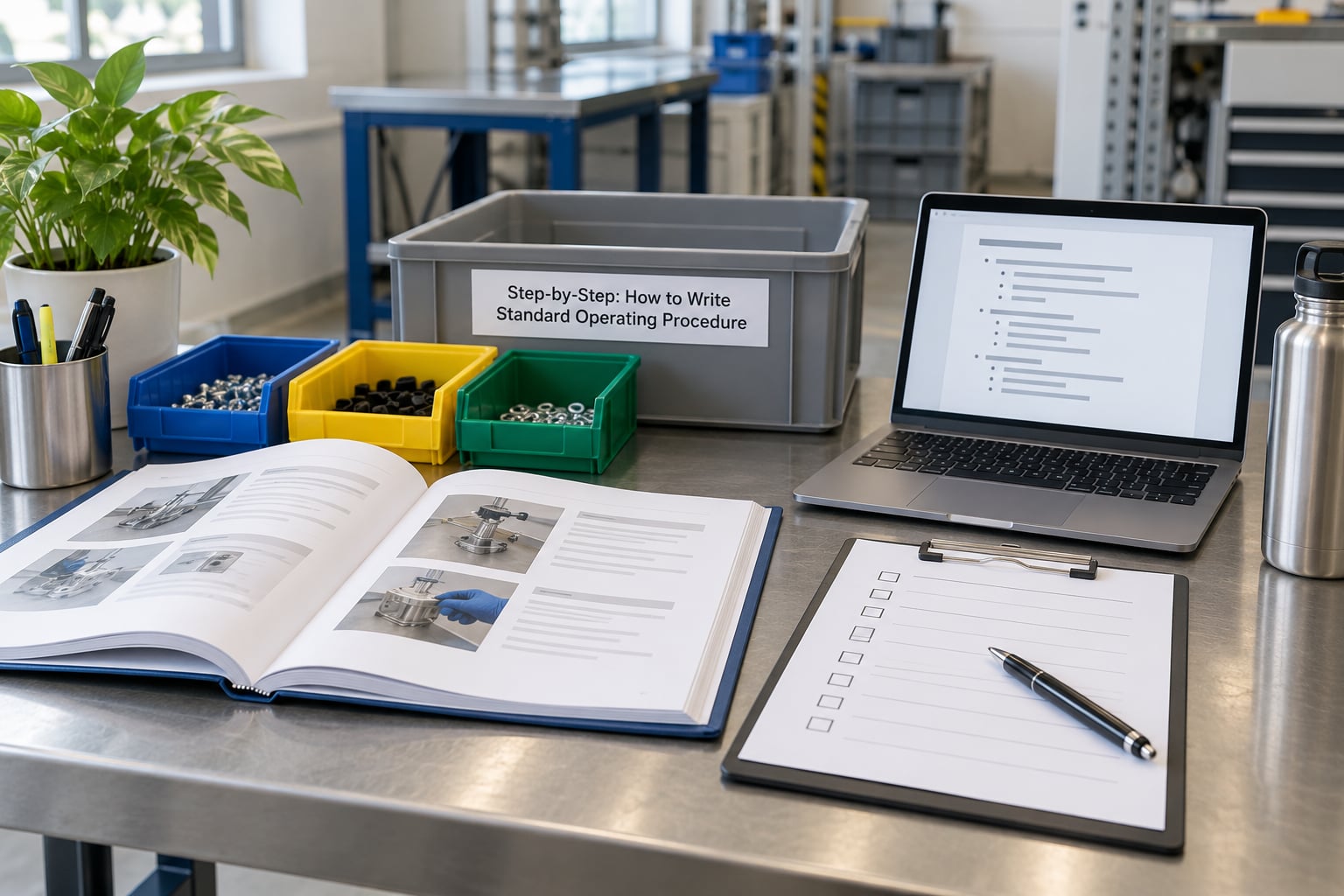
Each of the nine steps below should leave you with something clearer and more executable than you had before. If a step produces nothing usable, go back rather than pushing forward; that is how SOPs end up describing a process nobody follows.
1. Define the process scope and objective
Write down the boundary before the content. A process has a trigger, a defined end point, and everything in between. “Changeover on the 40-ton press” is a process. “Machine setup and maintenance and troubleshooting” is three processes stapled together, and it will produce a 20-page document nobody finishes reading.
Record six things in the scope block: what triggers the process, where it starts, where it ends, who owns it, who is expected to use it, and the measurable outcome. A good objective line reads “reduce changeover time from 95 minutes to 70 minutes by eliminating barrel-removal steps that are only needed on material change.” Vague objectives such as “improve efficiency” cannot fail, which means they cannot be tested.
2. Gather reliable process information
Watch the work being done. Sit with the operator for one full cycle and write down what they actually do, including the parts they skip when they are busy and the shortcuts they take when nobody is watching. Then ask why each step exists; roughly a third of documented steps usually turn out to be a workaround for an old problem that no longer applies.
Pull the hard evidence alongside the observation: equipment manual settings, material specifications, safety requirements, past inspection records, and previous nonconformance reports. Quality and compliance folks on industry forums make the same point from the other direction, that free templates downloaded online rarely survive contact with a real process because they have no risk assessment attached to individual steps.
3. Map the process from start to finish
Sketch the sequence before you write sentences. On one page, list inputs, activities in order, decision points, equipment and tooling used, handoffs to other roles, outputs, and the exception branches. This is where branching logic surfaces, which matters because real processes with decision points break the moment someone forces them into a flat checklist.
For each decision point, write the condition and both paths. “If cavity pressure exceeds 1,200 psi, stop and call the process engineer; if it does not clear within two minutes, isolate and tag the machine” is a usable branch. “Handle abnormalities appropriately” is not.
4. Assign roles and responsibilities
Name roles, not individuals and not “the department.” A new hire on second shift will not know that Dan does the setup check. Write who performs each step, who independently verifies it, who approves deviations, who receives each handoff, and who maintains the document. Small operations can use two or three role titles; larger ones will need a full responsibility table.
Separate doer and checker wherever the consequence of an error is high. On incoming inspection, the person receiving the shipment should not also be the sole person signing that the counts matched the packing list.
5. Write clear, numbered instructions
Turn the map into numbered steps using imperative voice: set, verify, record, tag, isolate. One action per step. “Purge the barrel” and “confirm the purge bin weight” are separate steps; combining them is the most common reason an SOP cannot be followed on a busy line.
State exact values rather than approximate ones, reference documents by number instead of by nickname, and attach an acceptance criterion to each step so the reader knows when it is finished. Add sub-steps under a numbered parent when a stage has more than about five actions, and keep the sub-headings in parallel form: all nouns, all verbs, same length. The drafting conventions that make SOPs readable are the ones technical writing courses teach, because they cut ambiguity that a paragraph hides.
6. Add safety, quality, and exception controls
State the controls that apply at specific points rather than in a general warning paragraph. Lockout and tagout requirements, guarding, personal protective equipment, first-piece inspection, gauge checks, and hold-and-wait tags belong next to the step that triggers them. A safety instruction on page four that nobody reads until they reach it does nothing.
Then write the deviation path: what to do when a measurement fails, when material is missing, when equipment faults mid-cycle, when the decision is outside the operator’s authority. Include the escalation target and a response time expectation. Corrective action and corrective-action records are what auditors ask for first, and they cannot be reconstructed after the fact.
7. Create supporting forms and records
Every required record should have a form, a log, or a labeled field, and the SOP must say where the completed copy goes and who reviews it. Typical supporting documents include setup checklists, inspection records, cycle-time logs, cleaning verification, shift handover sheets, and nonconformance reports.
Keep the SOP as the single source of truth. Documentation practitioners describe re-typing the same content into training decks, tickets, and QA systems as the leading cause of conflicting versions, so reference the form from the SOP rather than copying its content into three other places.
8. Test, review, and revise the SOP
Have two readers walk the draft. The first is a qualified reviewer who checks technical accuracy, references, and compliance requirements. The second is a person who has never done the process; ideally someone who will actually perform it, not a manager who assumes it is obvious.
Run a dry execution. Give the new user the document, the equipment, and the forms, and watch where they stop. Every question they ask is a defect in the document, and every step they skip is a step that failed to communicate. Record the questions, fix the wording, and repeat. This validation step catches most of what a management review would miss.
9. Approve, publish, and control the document
Route the final draft through the approvers you identified in step 1 and record signatures or electronic approval with dates. Then assign the document number, revision level, effective date, owner, and next review date, and store it in the repository under the agreed naming pattern.
Distribute the current version and remove superseded copies from shared drives, binders, and wall holders. A laminated revision-2 SOP posted next to a revision-4 version is worse than no SOP, because the wrong one looks authoritative. Set the review cadence by risk: safety-critical and quality-critical processes every three to six months, standard processes annually, and any process touched by an equipment, material, software, or regulatory change gets pulled forward immediately.
Common Mistakes
These are the failure patterns I see most often, with the fix attached to each.
- Vague wording. “Operate the machine properly” tells the reader nothing. Replace every general verb with the observable action and the expected value, such as “set the barrel zone temperatures to the values listed in Table 2.”
- Missing ownership. If no role title owns the process and no one is named as maintainer, the document goes stale silently. Assign both in the scope block.
- Unnecessary technical detail. Background theory, equipment history, and long paragraphs of rationale belong in a separate reference document. Keep the SOP to what the user must do, in the order they must do it.
- Poorly sequenced steps. Steps written by section rather than by chronology force the reader to jump. Re-order strictly by time, and check that no step references a later one.
- Missing exception paths. A procedure with no branch for the abnormal case gets abandoned the first time something goes wrong, which is exactly when it is needed. Every decision point needs both paths and an escalation contact.
- Uncontrolled versions. Multiple copies in circulation, no revision history, no effective date. Use a numbering convention, keep a revision history table, and delete superseded copies when a new one is released.
- SOPs that are never reviewed. If nothing triggers a review, the document describes the equipment you replaced two years ago. Tie the review date to risk level and add event-based triggers.
- Written by managers, not by doers. The most common cause of an ignored procedure. The person performing the work drafts the steps; the manager removes ambiguity rather than adding policy.
Two habits help more than the rest. Keep a simple task to one page, and cut every sentence that does not change what someone does. Technical writing practitioners describe length as the top complaint about SOPs, and long documents are skipped rather than followed.
Frequently Asked Questions
How long should an SOP be?
Length follows the process, not a page count. A simple single-step task fits on one page. A machine changeover with safety and quality controls commonly runs two to five pages. The test is whether a new user can complete the work from the document alone; if they must ask a question, the SOP is too short on that point regardless of how many pages it has.
Can ChatGPT write an SOP?
An AI tool can produce a reasonable first draft structure and reformat rough notes, but it cannot observe your process, judge which steps are safe, or know which values your equipment requires. Use it to organize material you supply, then have a qualified person verify every value, control, and reference. Never publish machine settings or safety steps it generated without confirming them against the manual.
Can I write my own SOP?
Yes, if you are the person who performs the work and follow your own document control rules. In small businesses the owner often authors SOPs directly. Document it in the standard format, have a second competent person execute it as a test, and record an approver and review date so it is treated as a controlled document rather than a personal note.
Does Microsoft Word or Google Docs have an SOP template?
Neither application ships a genuine standard operating procedure template as a built-in gallery item, but both let you build one on your existing company letterhead and save it as a reusable file. The built-in templates cover cover pages and tables, not SOP structure. Search your own organization’s document library first, since an approved internal template is usually required for controlled documents.
How do you get people to actually follow an SOP?
Involve the people doing the work in drafting, keep steps short and observable, and remove any step nobody can explain a reason for. Publish one current version and delete the old copies so there is no choice to make. Then measure: a completion rate, cycle time, or defect rate that moves after release tells you whether the document is being used.
How often should SOPs be reviewed and updated?
Review safety-critical and quality-critical processes every three to six months, standard processes annually, and immediately after any equipment, material, software, layout, or regulatory change. Review means confirming the document still matches reality, not just rereading it. Assign a named owner per procedure so the review actually happens and the revision history stays current.
Conclusion
Start with one stable process that already runs the same way every shift, such as a receiving put-away or a machine changeover. Identify the owner and the exact end point, spend one cycle watching how it is really done, and write down the current method in plain numbered steps before spending any time on polish. Refine the language, the format, and the document control once the content is correct, because a beautifully formatted document that describes the wrong process is worse than nothing.